How to URL Encode a mailto: Link: Subject and Body
Build a mail link with a subject, special characters, and a multiline message without confusing message text with URL or HTML separators.
mailto: structure intact. Percent-encode each subject/body value separately; use %20 for spaces and %0D%0A for body line breaks. In HTML source, write the separator between fields as &.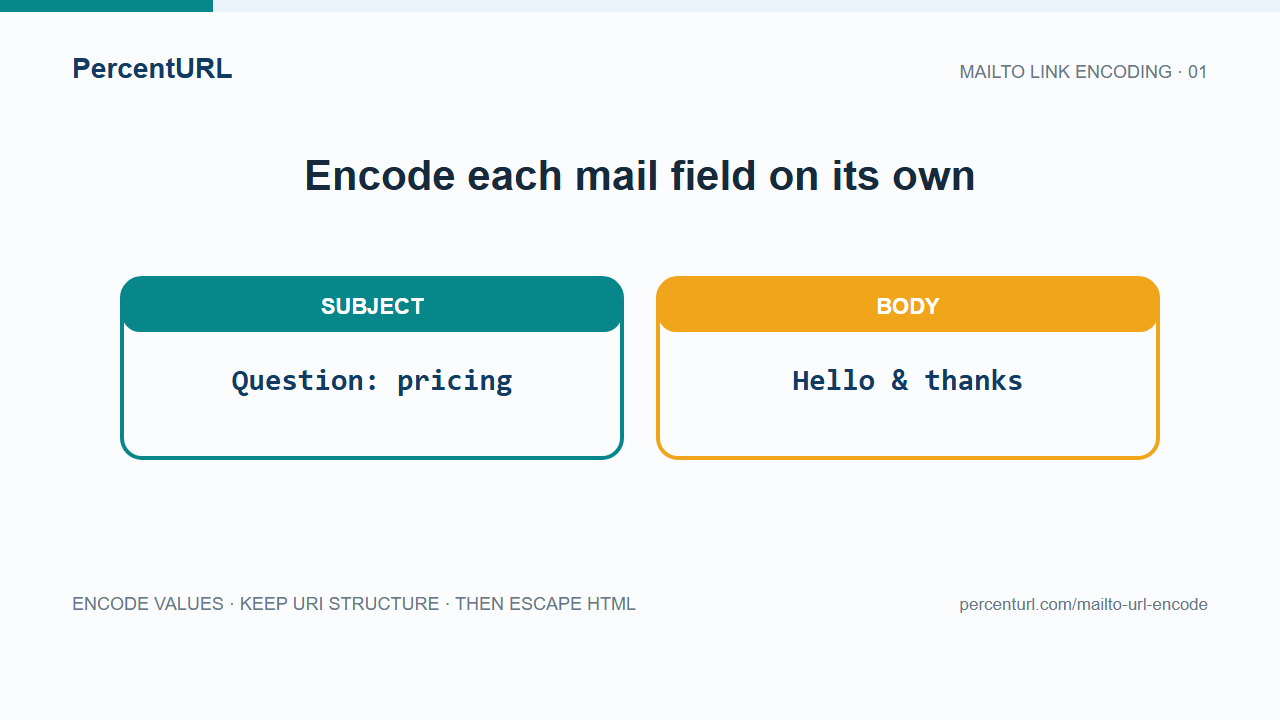
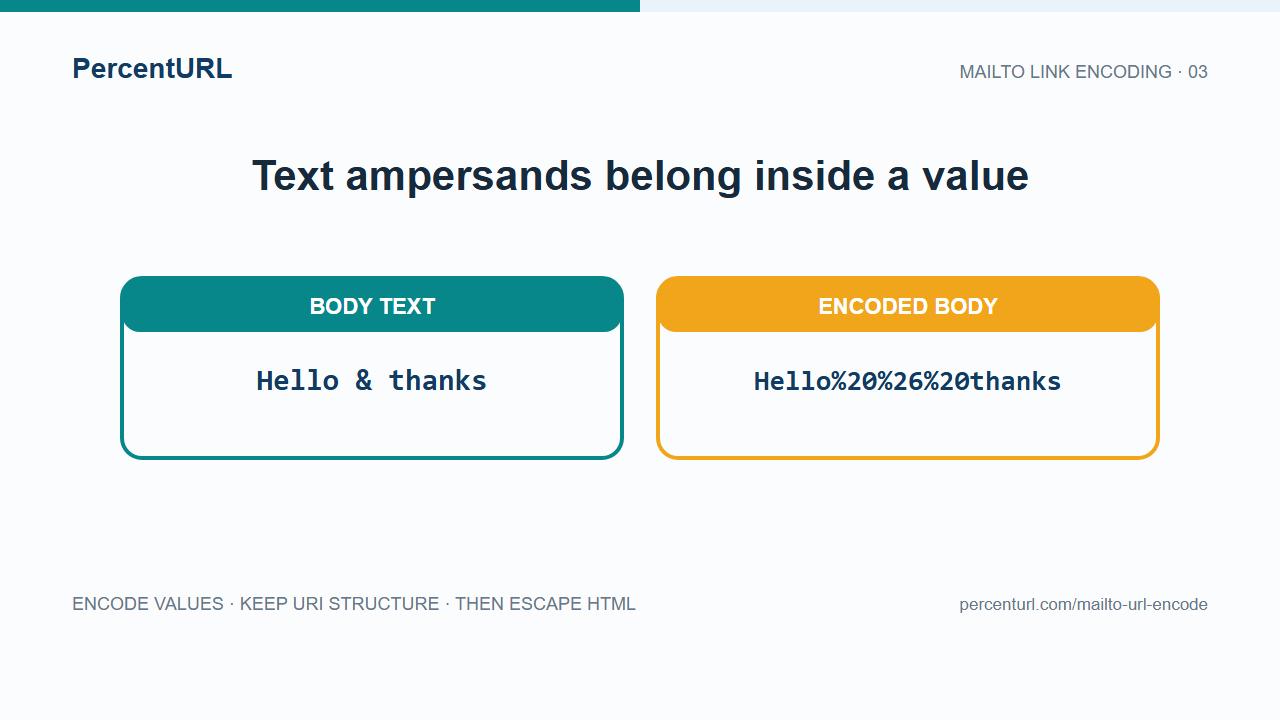
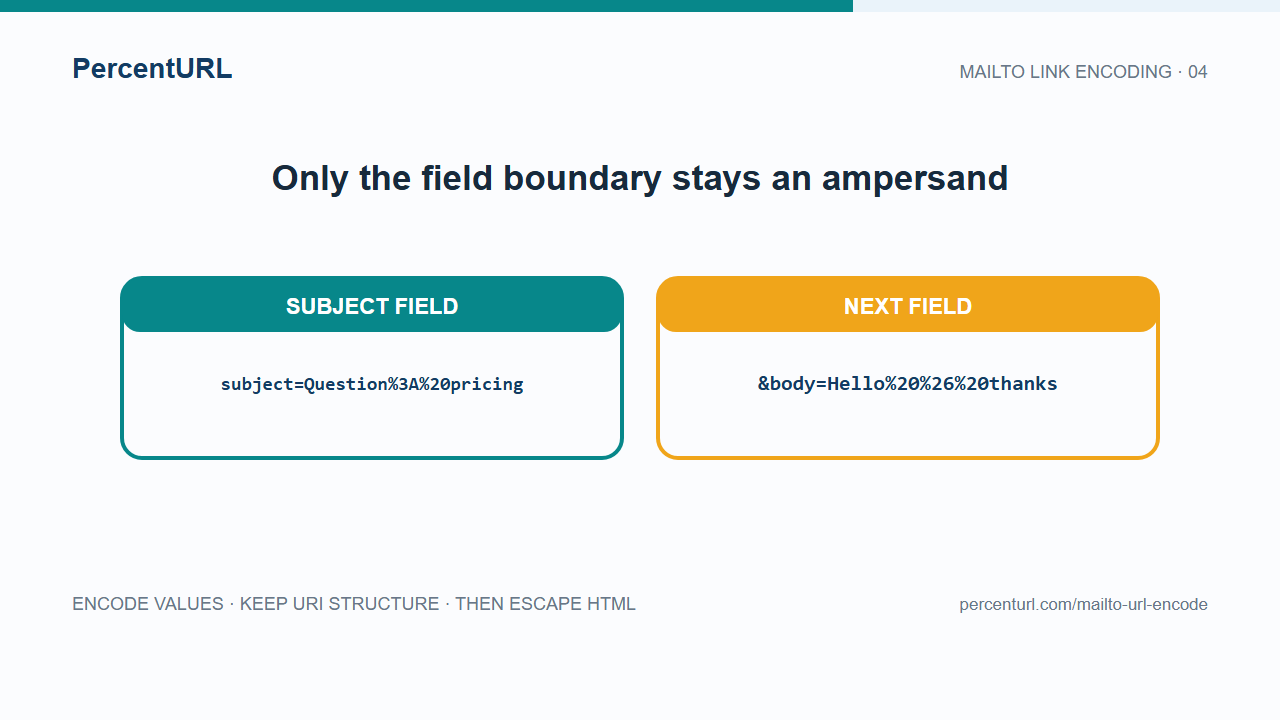
Replace YOUR_EMAIL_ADDRESS with the intended recipient before using the example. Encode subject and body as separate values, then assemble them after mailto:YOUR_EMAIL_ADDRESS?. An ampersand inside the message becomes %26; the ampersand between the two fields remains a query separator.
Open the PercentURL URL Encoder to encode a subject or body value. Do not paste the entire mailto: link into a component encoder.
Build a mail link one field at a time
This JavaScript example normalizes all input line endings to CRLF before encoding. It uses encodeURIComponent() on each value—not on the address or the complete URI:
const subject = "Question: plus + and &";
const body = "First line\nSecond line: hello & thanks";

const mailto =
  `mailto:YOUR_EMAIL_ADDRESS?subject=${encodeURIComponent(subject)}` +
  `&body=${encodeURIComponent(body.replace(/\r\n|\r|\n/g, "\r\n"))}`;

console.log(mailto);
The resulting URI is:
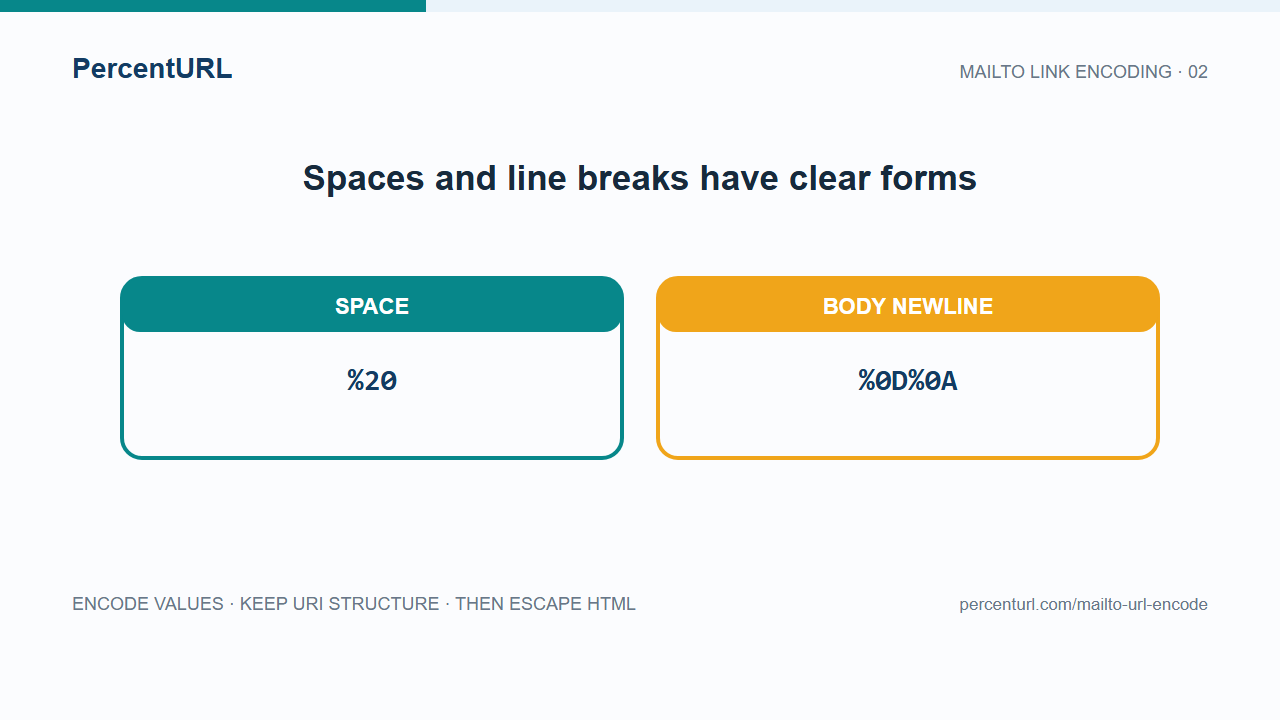
mailto:YOUR_EMAIL_ADDRESS?subject=Question%3A%20plus%20%2B%20and%20%26&body=First%20line%0D%0ASecond%20line%3A%20hello%20%26%20thanksThe visible & between subject and body separates fields. The two %26 sequences belong to message text. A plus typed as data becomes %2B; it must not be left where a form-style parser could treat it as a space.
Put the URI in an HTML link
HTML has its own escaping layer. In an HTML attribute, write the query separator as &; the browser turns that character reference into & in the link value. Do not replace the data's %26 escapes:
<a href="mailto:YOUR_EMAIL_ADDRESS?subject=Question%3A%20plus%20%2B%20and%20%26&body=First%20line%0D%0ASecond%20line%3A%20hello%20%26%20thanks">
Email support
</a>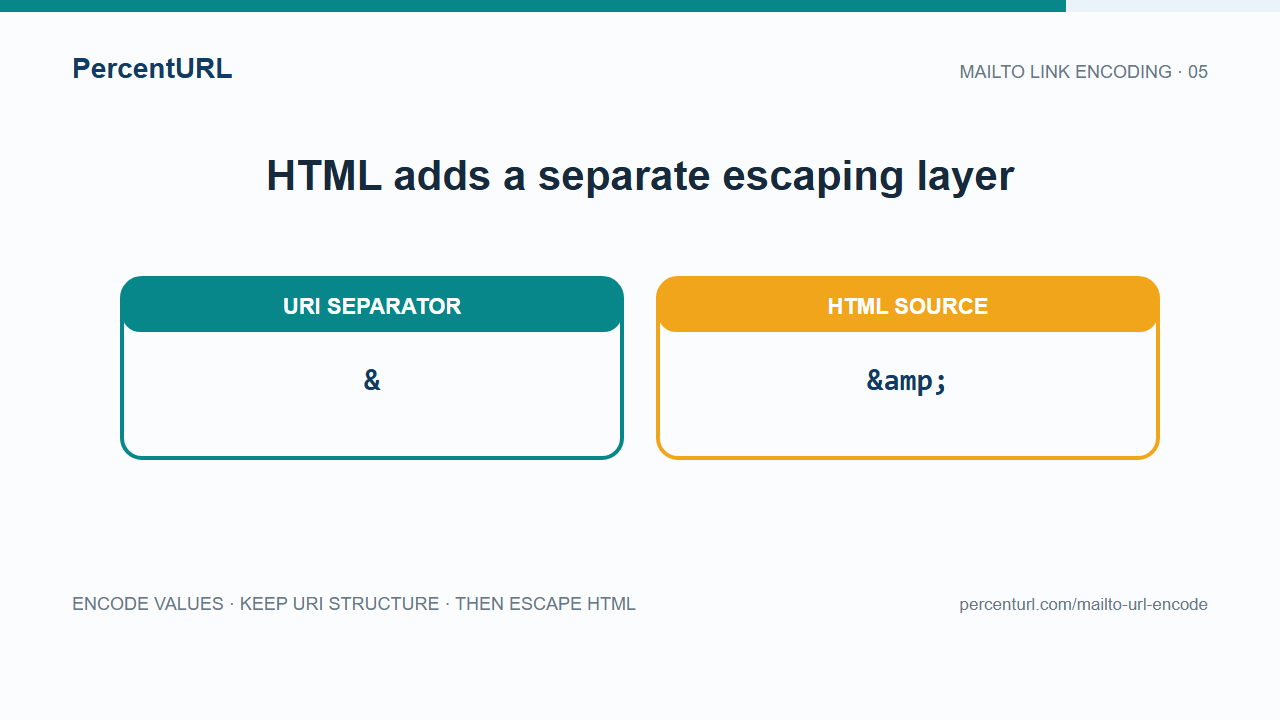
There are two distinct operations here: percent-encode each header value for the URI, then HTML-escape the URI when placing it in markup. If the href is created in JavaScript with link.href = mailto, do not manually add & to the JavaScript string.
Character-by-character check
| Input in a subject or body | URI form | Why |
|---|---|---|
| space | %20 | RFC 6068 recommends percent-encoding spaces this way; + is ambiguous with a literal plus. |
literal plus + | %2B | Preserves it as message data rather than a space-like form value. |
ampersand in message text & | %26 | Keeps it inside the field value instead of starting another header field. |
| line break in body | %0D%0A | RFC 6068 requires CRLF encoding for body line breaks. |
| Unicode text | UTF-8 bytes, each percent-escaped as needed | For example, é is %C3%A9 in a UTF-8-based mailto URI. |
Common mistakes
- The email opens with
&or extra fields in the body. Encode the ampersand inside the message as%26; keep only the field boundary as&. - The message shows a plus sign where a space belongs. For mailto values, use
%20for spaces and%2Bfor literal plus characters. - The link text is malformed in HTML. Keep URI percent-encoding and HTML character references separate; write field separators as
&in static markup. - Clicking the link does nothing. A mail client or browser handler must be configured. A
mailto:URI only asks the user's software to compose a message; it does not send it. - A whole link turns into percent codes. Encode only the values. Leave
mailto:, the recipient,?, field names, and field separators as URI structure.
What the standard does—and does not—promise
RFC 6068 defines subject and body handling and specifies CRLF for body line breaks. It describes body as the first text/plain body part and says implementations cannot be expected to understand more than subject and body. Mail apps can still differ in how they handle a link, so check the composed message before sending. A mailto: link is not a substitute for an HTML email form when you need reliable delivery, attachments, or a consistent experience across devices.
Use the JavaScript URL encoding guide for component encoding, the URL encode/decode guide for general URL values, or the online URL encoder guide for the tool workflow.
Sources
- RFC 6068 §2 — mailto syntax and header/body fields.
- RFC 6068 §5 — spaces, plus signs, reserved characters, and CRLF body line breaks.
- MDN:
encodeURIComponent()— encode one URI component value. - Stack Overflow: Line break in body of mailto link — problem discovery only; RFC 6068 is the source for the stated rule.